sites.fynesite.com/showcase-rennick-painting
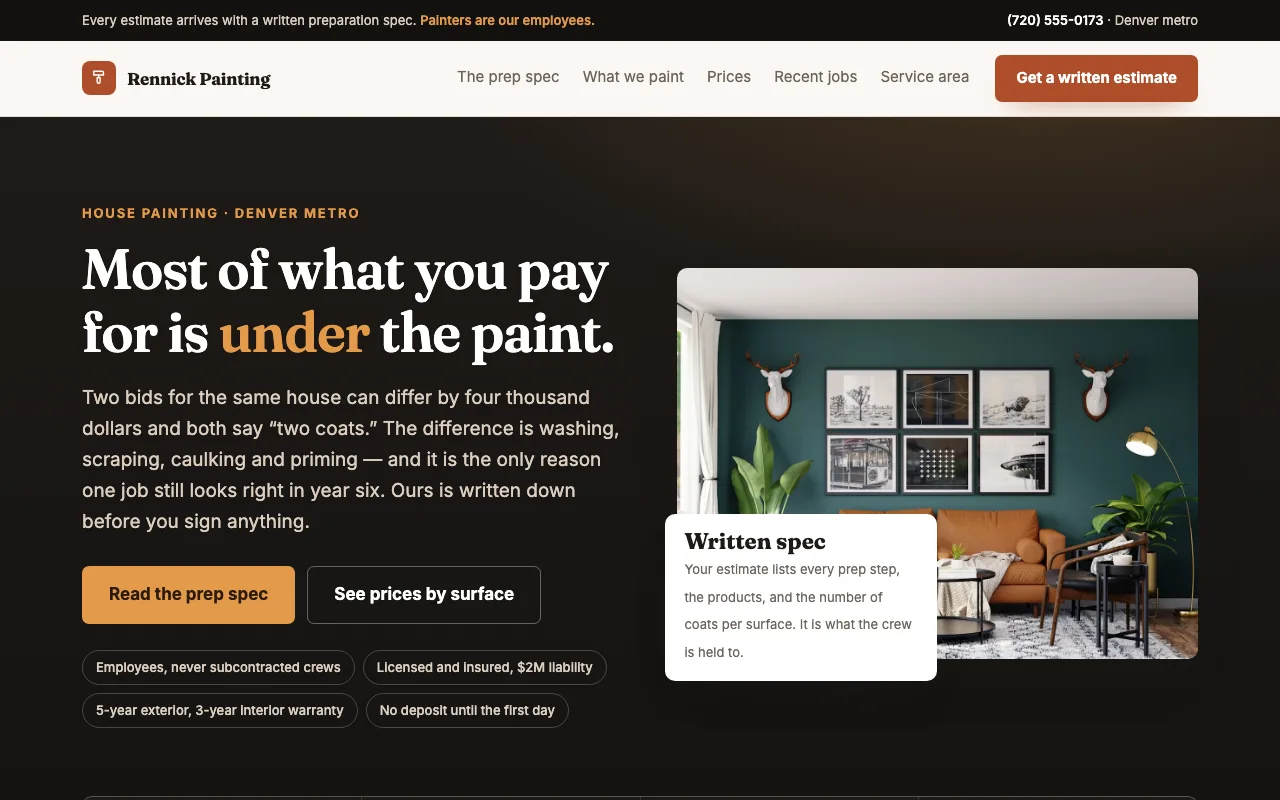 Preview unavailable. Open the live site to view it.
Turn your best projects, service area, and painting services into a focused website that helps homeowners request the right estimate.
Free to build & publish · No card needed
Preview unavailable. Open the live site to view it.
A real published FyneSite example. The business and content shown are demonstrations, not customer endorsements. See more painting website examples. Read the painting contractor website guide. Price a room with the free painting estimate calculator.
Help homeowners understand your work, see your standards, and request a useful estimate.
Separate interior, exterior, commercial, and specialty work clearly.
Show real completed work with the details you choose to share.
Collect project type, location, timeline, and contact details.
List the cities and neighborhoods where you take projects.
Set expectations from preparation through final walkthrough.
Publish typical prices per room or surface, so a quote is not the first number a homeowner sees.
Painting is judged by finished work, and quotes are hard to compare. Homeowners look for rooms like theirs and a quote they can understand.
Photos of interiors, exteriors or cabinets you have painted, grouped by the kind of job.
Prep, materials, number of coats and cleanup, so a quote can be compared fairly with another.
The areas you serve and whether you take residential work, commercial work or both.
A request form that asks for the rooms or surfaces, rough size and timing.
Start with the business information you already know. Keep control of what changes and when the site goes live.
Say whether you paint interiors, exteriors or cabinets, the areas you cover and how you price a room.
Inspect the real page structure and ask for specific revisions.
Use a FyneSite address for free or connect your own domain on a paid plan.
Yes. Upload your photos and ask for a before-and-after gallery or a project section for each job.
A typical range per room, or a plain account of how you price, lets a homeowner see the likely cost before asking for a quote. The free painting estimate calculator can help you work out a range.
Yes. Describe both and the site gives each one its own section or page, with the photos you upload and a quote request for that kind of job.
Yes. You can build and publish one website on a FyneSite address without a credit card, and change the copy, sections, images or pages by describing what you want. Paid plans add options such as a custom domain with automatic SSL and removing FyneSite branding.
Describe the work you do and where you do it. Review your website draft before signing up.
Free to build & publish · No card needed