sites.fynesite.com/showcase-rowan-hale
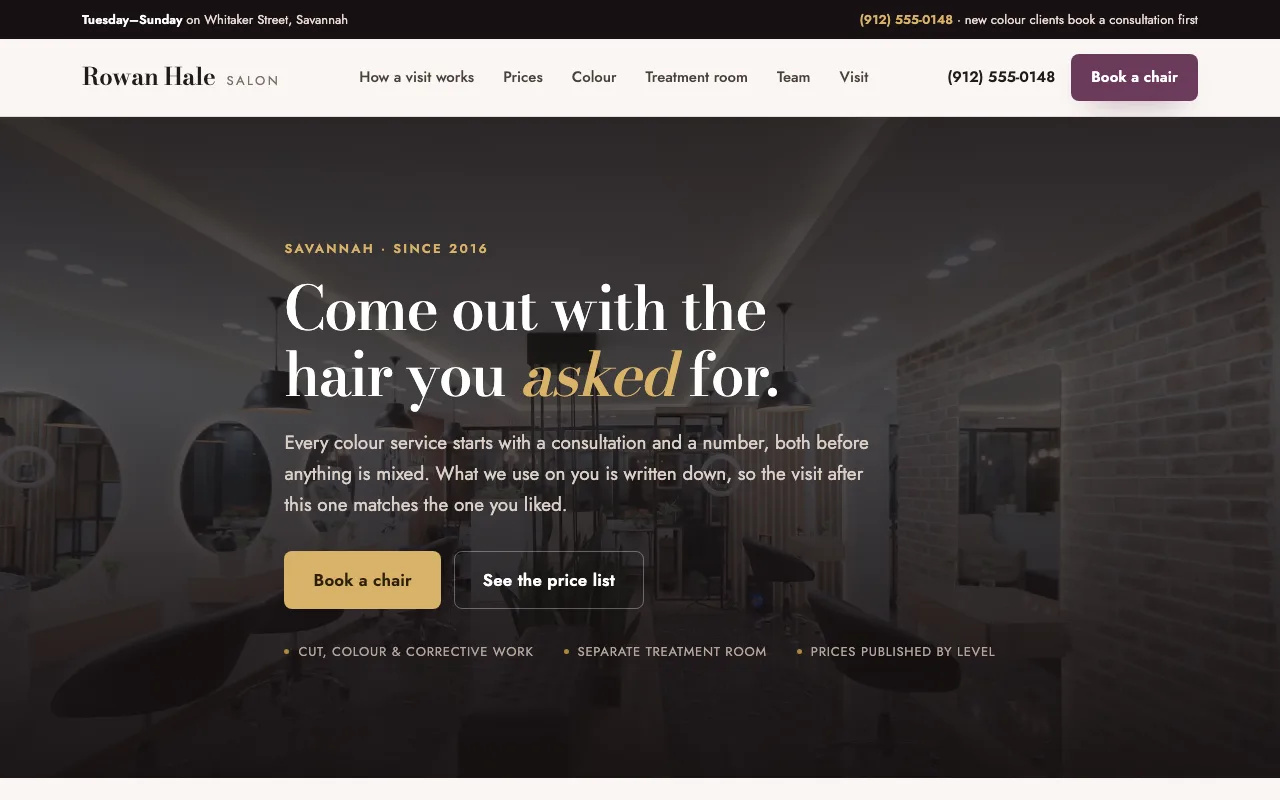 Preview unavailable. Open the live site to view it.
Present your services, team, atmosphere, and booking path in a polished site clients can understand at a glance.
Free to build & publish · No card needed
Preview unavailable. Open the live site to view it.
A real published FyneSite example. The business and content shown are demonstrations, not customer endorsements. See more salon website examples.
Give prospective clients the information and confidence they need before choosing a service.
Organize services, descriptions, and pricing information you choose to publish.
Connect your existing booking provider or use a focused inquiry form.
Introduce stylists, specialties, and availability.
Show real styles, spaces, and treatments with your approved images.
Your address, parking and opening hours, shown next to the booking link.
State deposit, cancellation and late-arrival rules before the appointment, not at the desk.
A salon visitor often arrives ready to book. They want the service, the price and a time, without having to call.
Cuts, color, treatments and add-ons named clearly, with how long each one takes.
A price or starting price for each service, and which prices depend on a consultation.
Stylists or therapists with their specialties and photos of their work.
A booking link that opens your booking system, placed next to the services.
Start with the business information you already know. Keep control of what changes and when the site goes live.
List your services with prices, your stylists, your hours and address, and your booking link.
Inspect the real page structure and ask for specific revisions.
Use a FyneSite address for free or connect your own domain on a paid plan.
Yes. Add your booking link from Square, Vagaro, Fresha, Booksy or a similar service to your description, and the site sends visitors there to choose a time.
A price or starting price per service lets a client see the cost before booking. Mark prices that depend on hair length or a consultation as starting prices.
Yes. Describe each stylist’s specialties and add photos, and the site gives each one a short profile.
Yes. You can build and publish one website on a FyneSite address without a credit card, and change the copy, sections, images or pages by describing what you want. Paid plans add options such as a custom domain with automatic SSL and removing FyneSite branding.
Describe your services and atmosphere. Review the first draft before you decide what to publish.
Free to build & publish · No card needed