sites.fynesite.com/showcase-ironclad-plumbing
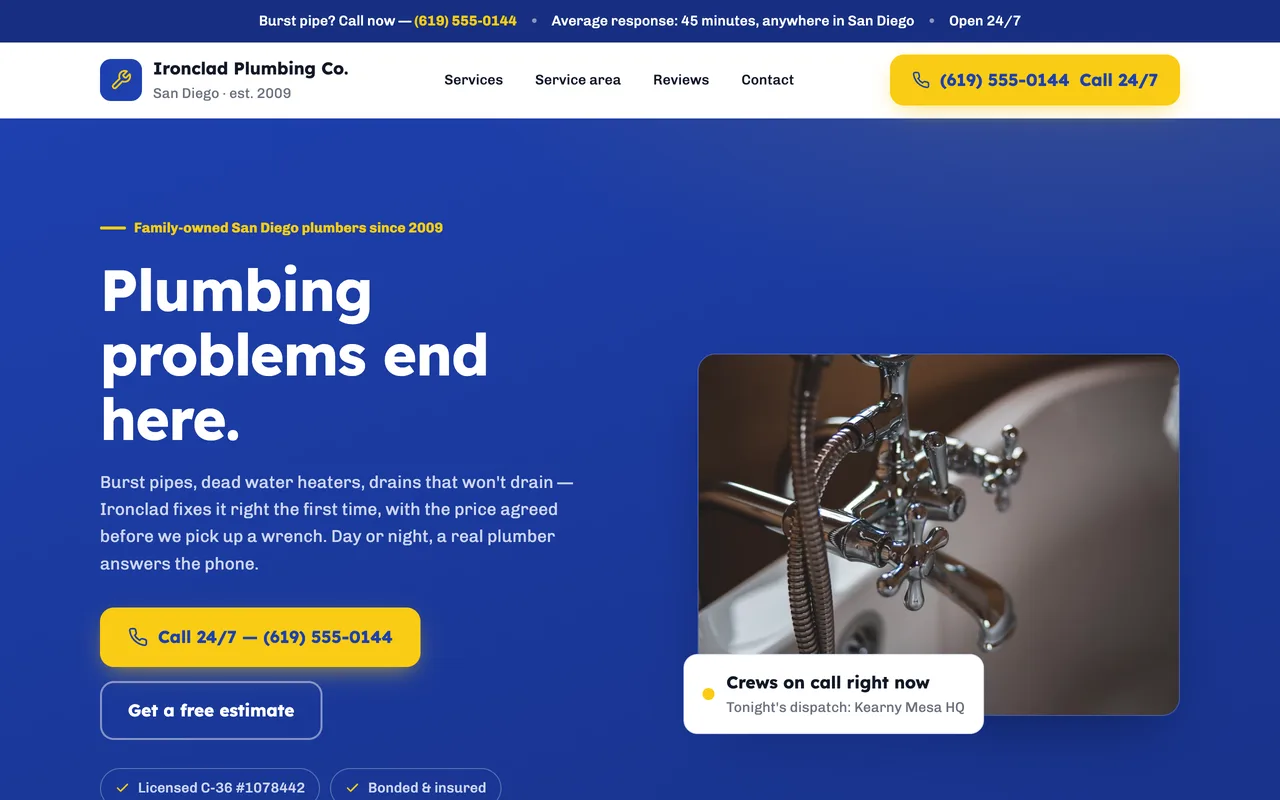 Preview unavailable. Open the live site to view it.
Give customers a fast path to your phone number, service area, and the work you handle. Build a credible local site without spending evenings in a page editor.
Free to build & publish · No card needed
Preview unavailable. Open the live site to view it.
A real published FyneSite example. The business and content shown are demonstrations, not customer endorsements. See more plumbing website examples. Read the plumber website guide. Price a job with the free flat-rate calculator. Browse plumber website templates.
Answer the practical questions customers have before they call, request a quote, or book service.
Explain repairs, installations, drain work, and other services you actually provide.
Show the cities and neighborhoods your team serves.
Keep your phone number visible and easy to use on mobile.
Collect the problem, location, and preferred contact details.
Set clear expectations for regular and emergency service.
Show your license number and insurance where customers look before they let you in.
Plumbing searches are often urgent and often on a phone. The basic answers need to be easy to find on a phone.
The towns and neighborhoods you cover, listed on the page rather than implied.
Separate entries for leaks, drains, water heaters and the other work you do, named the way people describe the problem.
Your regular hours, and whether you take emergency calls, stated plainly.
A phone number that dials with one tap and shows without scrolling.
Start with the business information you already know. Keep control of what changes and when the site goes live.
List the jobs you take, the towns you cover, your hours, whether you take emergency calls and your license number.
Inspect the real page structure and ask for specific revisions.
Use a FyneSite address for free or connect your own domain on a paid plan.
Showing how you price, such as a call-out fee or flat-rate jobs, tells callers what to expect before they phone. The free flat-rate calculator can help you work out numbers you are comfortable publishing.
Yes. Describe your emergency hours and coverage, and the site gives them their own section with your phone number, apart from scheduled work.
Yes. Add your license number and insurance details to your description and they appear on the site. Check your state’s rules for what plumbing advertising must show.
Yes. You can build and publish one website on a FyneSite address without a credit card, and change the copy, sections, images or pages by describing what you want. Paid plans add options such as a custom domain with automatic SSL and removing FyneSite branding.
Describe your services and coverage area. FyneSite turns that information into a complete draft you can review.
Free to build & publish · No card needed