sites.fynesite.com/showcase-nell-rasker
 Preview unavailable. Open the live site to view it.
Present your listings, service areas, and experience without sending every lead to a generic broker profile. Build the site around your market and your next client conversation.
Free to build & publish · No card needed
Preview unavailable. Open the live site to view it.
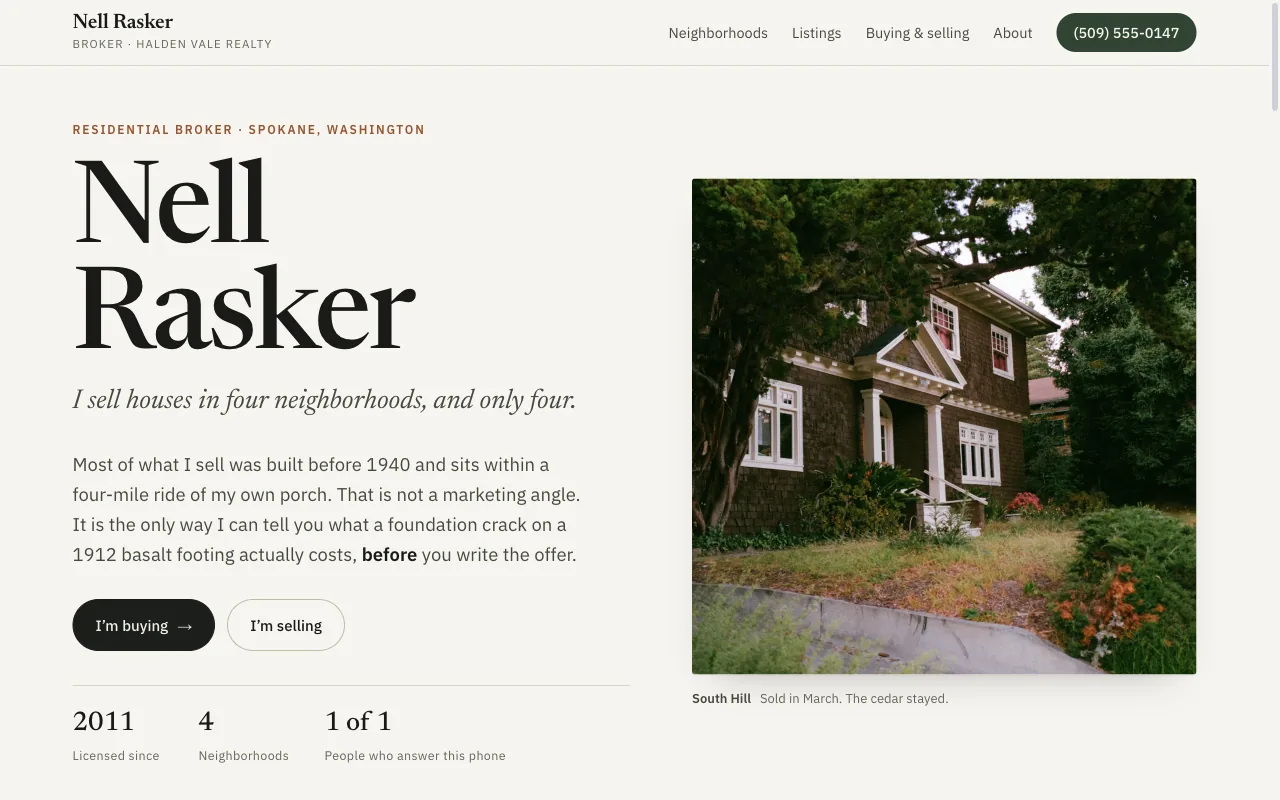
A real published FyneSite example. The business and content shown are demonstrations, not customer endorsements. See more real estate website examples. Work out a sale with the free commission calculator.
Create a credible home for your listings and a direct path for buyers and sellers to contact you.
Organize property details, galleries, pricing, and a clear contact action.
Explain the neighborhoods and markets where you work.
Give each audience a focused way to start a conversation.
Present your specialties, credentials, and local point of view.
Keep listings and contact actions readable on phones, tablets, and desktops.
Show homes you have sold or have under contract, with the details you are allowed to share.
Someone on your own site has already found you. The site’s job is to make the case for calling you instead of the next agent.
The neighborhoods and towns you work, named on the page, with what you know about each one.
Current listings and recent sales you can show, each with photos, price and a way to ask about it.
Separate paths for buyers and sellers, because each arrives with a different first question.
Your own phone number and email, not a brokerage switchboard.
Start with the business information you already know. Keep control of what changes and when the site goes live.
Name your brokerage, the neighborhoods you work, your current listings and how buyers and sellers should reach you.
Inspect the real page structure and ask for specific revisions.
Use a FyneSite address for free or connect your own domain on a paid plan.
Still comparing options? Compare real estate website builders.
Yes, as listing pages or sections with the photos, price and details you provide. FyneSite does not pull listings from the MLS, so you add or update each one by describing the change.
Advertising rules for agents vary by state. Include your brokerage name and license details in your description and FyneSite places them on the site; check your state’s rules for exactly what must be shown.
Yes. Ask for a buyer inquiry and a seller request, and each form asks the questions you want answered before the first call.
Yes. You can build and publish one website on a FyneSite address without a credit card, and change the copy, sections, images or pages by describing what you want. Paid plans add options such as a custom domain with automatic SSL and removing FyneSite branding.
Describe your market, specialties, and current listings. Review the draft before you decide what to publish.
Free to build & publish · No card needed