sites.fynesite.com/showcase-casa-yolanda
 Preview unavailable. Open the live site to view it.
Put your menu, hours, location, reservations, and ordering links in one fast, focused website guests can use from any device.
Free to build & publish · No card needed
Preview unavailable. Open the live site to view it.
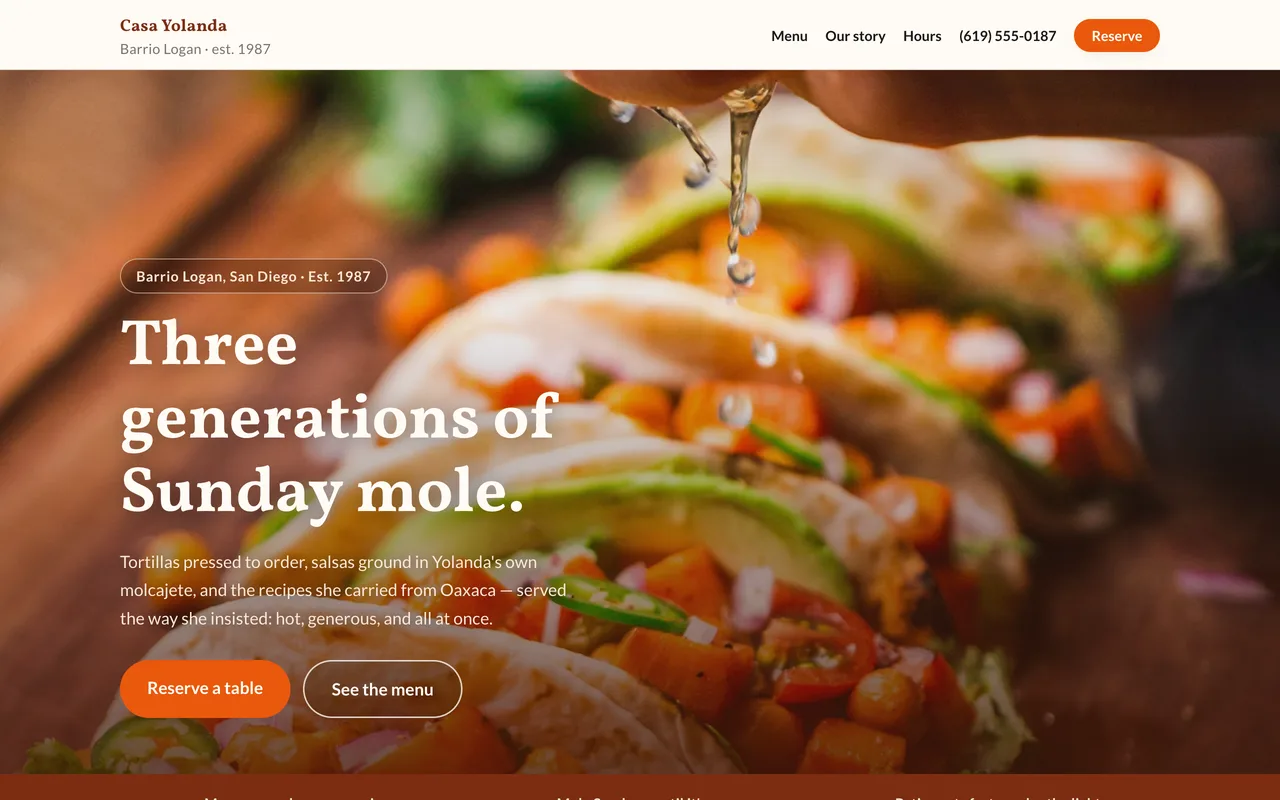
A real published FyneSite example. The business and content shown are demonstrations, not customer endorsements. See more restaurant website examples.
Answer the questions guests ask most and connect them to the right booking or ordering path.
Organize food and drink menus with the details you choose to publish.
Connect your existing reservation provider or contact flow.
Send guests to the correct pickup or delivery provider.
Opening hours for every day, holiday changes, and how to find the door from the street.
Use approved photography to show the experience before a visit.
Explain group dining, catering or private hire, with a way to ask about a date.
Restaurant sites get a handful of practical questions, often asked from a phone on the way out the door.
Opening hours for each day, kept current, including holidays.
The menu as readable text with prices, not only a PDF or a photo.
The address, a map link and a note on parking or transit.
Reservations, pickup or delivery links, or a phone number, depending on how you take orders.
Start with the business information you already know. Keep control of what changes and when the site goes live.
Paste your menu with prices, then add your hours, your address and your reservation or ordering links.
Inspect the real page structure and ask for specific revisions.
Use a FyneSite address for free or connect your own domain on a paid plan.
Yes. Paste or describe your menu and the site sets it out with sections and prices. Search engines and screen readers read text more reliably than a photo of a printed menu, and it fits any phone screen.
Yes. Add your reservation, pickup or delivery links, from OpenTable, Resy, Toast, DoorDash or a similar service, and the site places them where diners look for them.
Tell the editor in plain English, for example closed Monday for the holiday or add a fall specials section, and publish the change.
Yes. You can build and publish one website on a FyneSite address without a credit card, and change the copy, sections, images or pages by describing what you want. Paid plans add options such as a custom domain with automatic SSL and removing FyneSite branding.
Describe your restaurant, menu, and guest experience. Review the draft before you publish.
Free to build & publish · No card needed