sites.fynesite.com/showcase-piedmont-pine
 Preview unavailable. Open the live site to view it.
Build a website around your best landscapes, the services you offer, and the areas you serve—then give homeowners a clear way to request an estimate.
Free to build & publish · No card needed
Preview unavailable. Open the live site to view it.
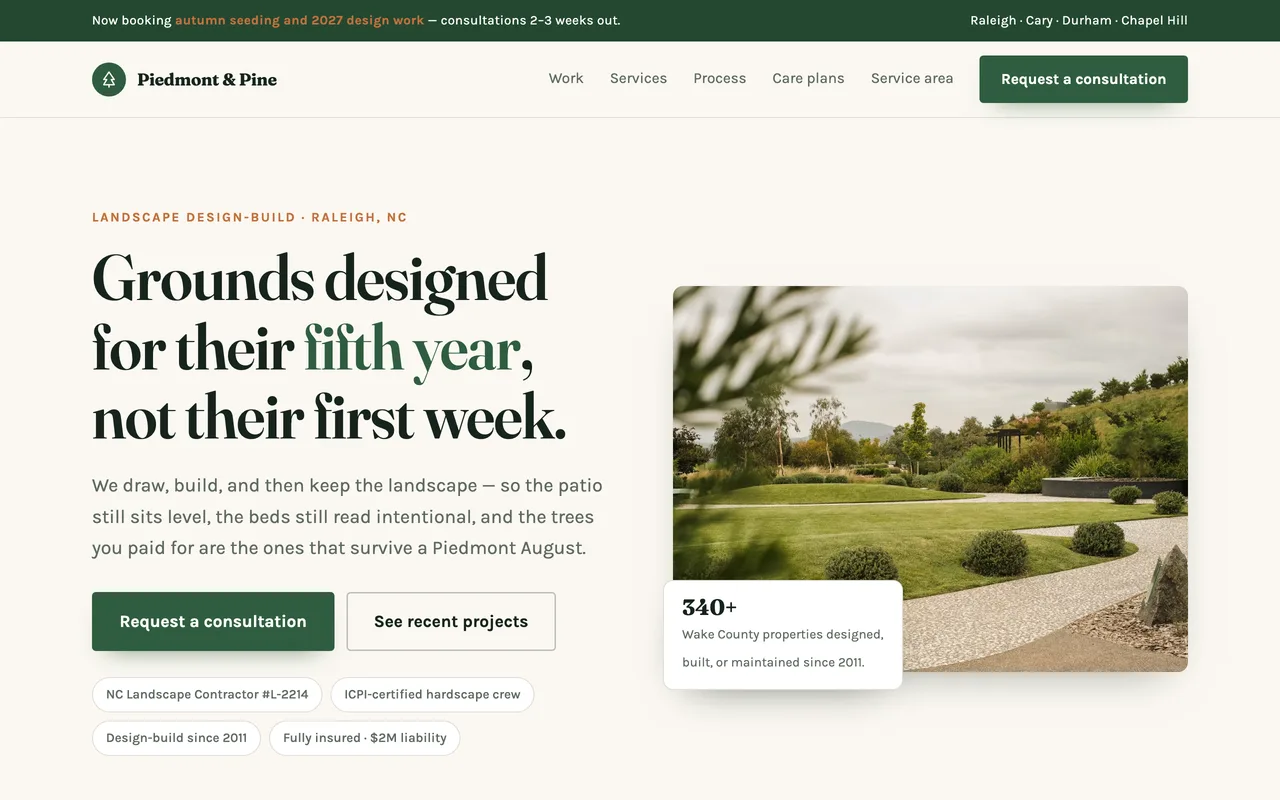
A real published FyneSite example. The business and content shown are demonstrations, not customer endorsements. See more landscaping website examples.
Show the difference between your services and help the right homeowners start a project.
Separate design, installation, maintenance, and specialty services.
Show real before-and-after work with the context you approve.
Collect property details, project goals, and contact information.
Explain recurring and seasonal work without crowding the main offer.
Make your coverage area clear before a visitor contacts you.
Describe each recurring plan, what a visit includes and how often your crew comes.
Landscaping covers everything from weekly mowing to a full garden build, so visitors first need to know which kind of company you are.
Whether you design and install, maintain, or do both, said on the first screen.
Photos of finished work, ideally across seasons, with the size and scope of each project.
Spring cleanups, mowing, leaf removal or snow, and when each one is booked.
The towns you cover, named on the page.
Start with the business information you already know. Keep control of what changes and when the site goes live.
Say whether you design, build or maintain, list your seasonal services and name the towns you cover.
Inspect the real page structure and ask for specific revisions.
Use a FyneSite address for free or connect your own domain on a paid plan.
Yes. Describe each plan, what it includes and how often you visit, and the site lists them with a way to ask about each one.
Group photos by project, with a short note on the brief and what was planted or built. Ask the editor for a project gallery once you have the photos.
Yes. The site can collect requests for seasonal work through a form, or link to the booking tool you already use.
Yes. You can build and publish one website on a FyneSite address without a credit card, and change the copy, sections, images or pages by describing what you want. Paid plans add options such as a custom domain with automatic SSL and removing FyneSite branding.
Describe your services and ideal projects. Review the generated draft before you create an account.
Free to build & publish · No card needed